
Tape 04 · Side project · A replay coach for osu!standard
osu!coach
You know you missed. It tells you where and why. osu!coach reads every play you finish, judges it the way the game does, and points at the few seconds that cost you the most, with a reason you can do something about.
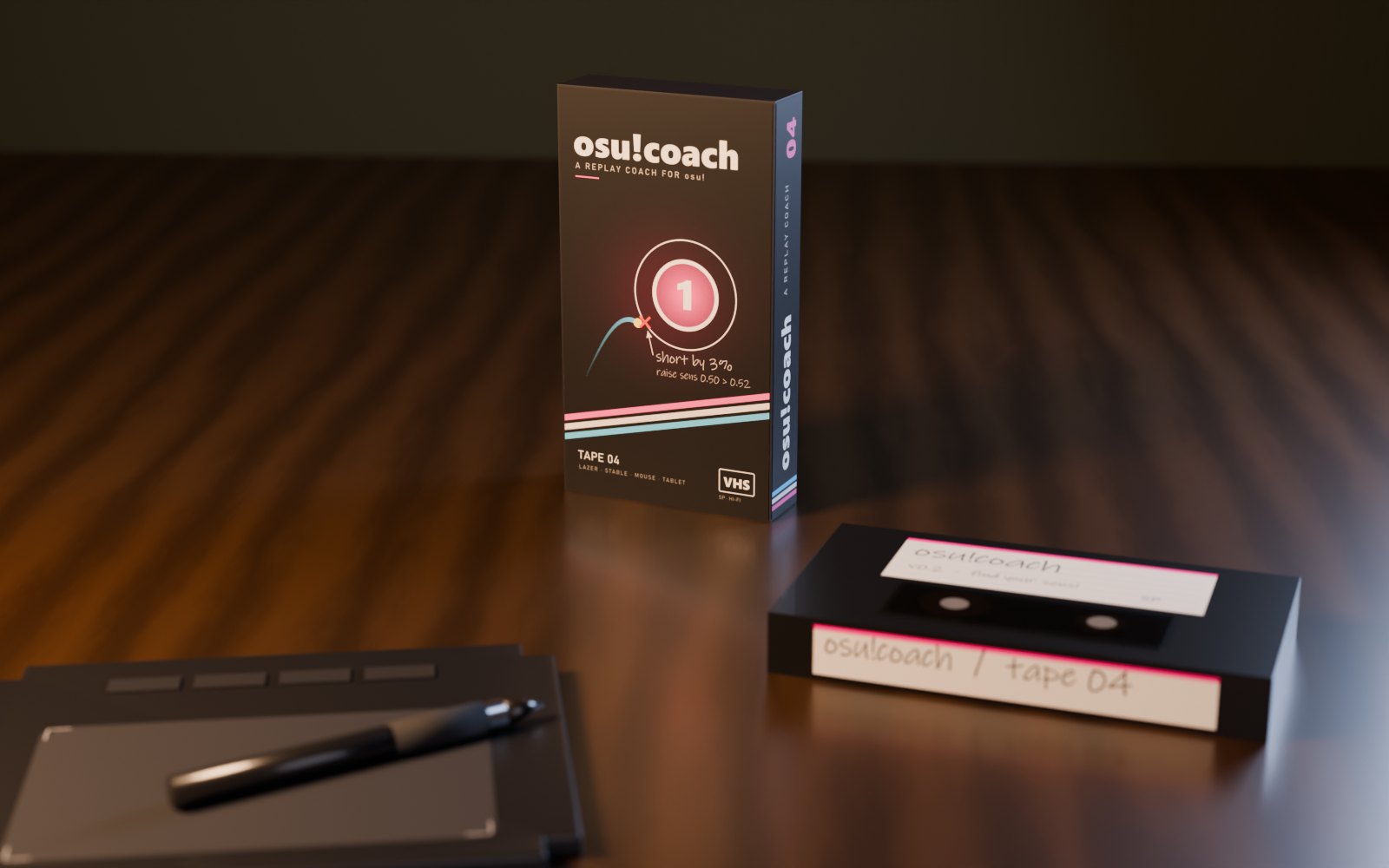
Every play you finish in osu!lazer shows up on its own within a few seconds. In osu!stable, press F2 on the results screen. Press analyze and you get a report: the struggle sections with timestamps, what went wrong in each one (hesitating before jumps, overshooting, single-tapping a stream, running out of stamina after 20 seconds), and a replay viewer with the song, your cursor and your skin.
Practice that leads somewhere
Each struggle section has a build practice ladder button. It cuts that part of the map into a few small practice maps: slower first, then closer to the real thing, until you play it at full speed. They go straight into lazer or stable, and every attempt is judged, so you can see whether it's actually getting better.
Mouse sensitivity and tablet area
If your jumps keep landing short or long, the report says by how much and what to change: the sensitivity for a mouse, the area for a tablet. It reads your current values from the game. The finder does it properly: a 30-second map of jumps, you play it, change what it says, play it again, and stop when both directions land within 2%. That usually takes two to four rounds.
Install
- Download the zip and unzip it anywhere.
- Double-click osu!coach.bat. If Windows warns about it: More info, then Run anyway.
- The first start sets itself up with a progress bar: Python if you don't have it, then three small libraries. Then your browser opens the coach.
Everything runs on your PC and nothing is uploaded. The only time it talks to this site is a once-a-day check for a new version, and when you send feedback yourself.
Feedback
It's a side project, so tell me what's broken, what's confusing, or what helped your aim. It comes straight to me. The coach has a feedback page too.